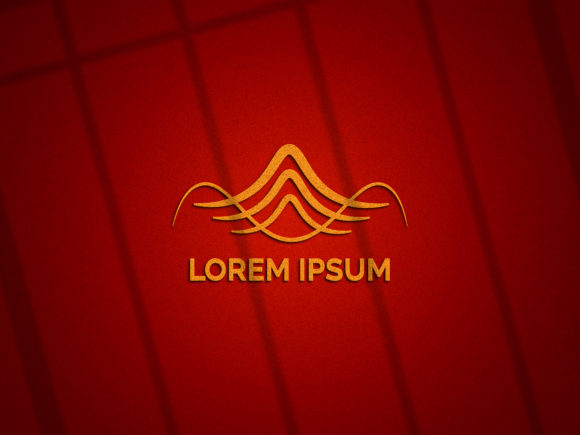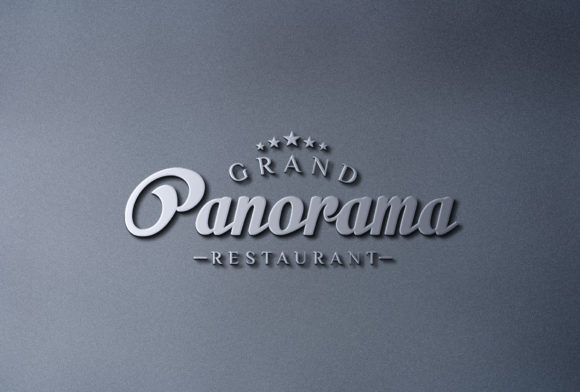
Elevate Your Brand Identity: The Power of 3D Metallic Logo Mockup Signage on Wall
In the competitive landscape of modern branding, first impressions are not just important; they are everything. When a client or stakeholder reviews your logo design, they need to see more than a flat image on a screen. They need to feel the weight, the texture, and the presence of the brand in the real world. This is where the 3D Metallic Logo Mockup Signage on Wall becomes an indispensable tool for designers, agencies, and business owners alike. By transforming a simple vector graphic into a tangible, photorealistic representation, you bridge the gap between digital concept and physical reality.
Why Realism Matters in Logo Presentation
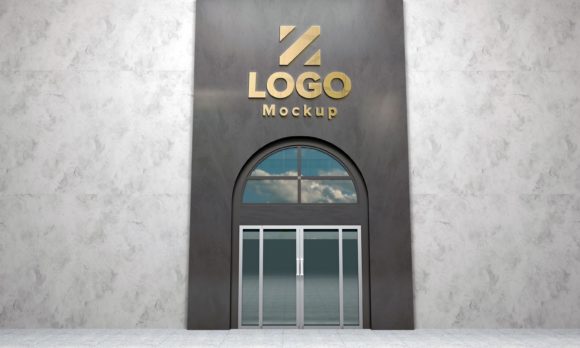
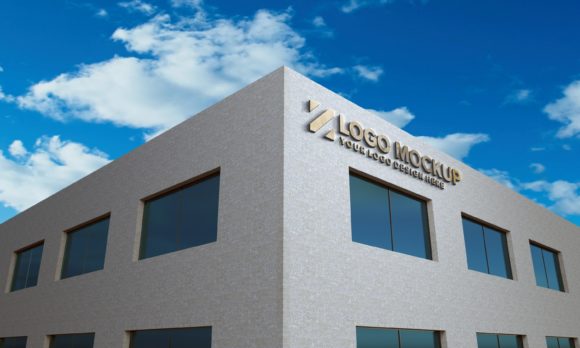
A common misconception among beginners is that a logo’s success lies solely in its geometric perfection or color palette. While these elements are foundational, their impact is significantly amplified by context. A metallic logo rendered against a sleek, textured wall does not just sit there; it commands attention. It suggests durability, luxury, and professionalism.
When you present a flat JPEG or PNG file, the viewer’s imagination must fill in the blanks. However, when you provide a photorealistic result, you remove ambiguity. You show exactly how the light hits the edges of the letters, how the metal reflects the surrounding environment, and how the signage interacts with the architectural space. This level of detail helps clients visualize the final product, reducing anxiety about the end result and increasing confidence in your design choices.
The Psychological Impact of Metallic Textures
Metallic finishes—whether brushed steel, polished chrome, gold, or copper—carry specific psychological associations. Gold often conveys prestige and high value, while silver or steel suggests innovation, technology, and reliability. By using a mockup that accurately simulates these materials, you are leveraging visual psychology to reinforce your brand’s message before the client even reads the tagline.
Understanding the Technical Advantages
To truly appreciate the value of this resource, one must look under the hood at the technical specifications that make it so effective. These mockups are not merely static images; they are sophisticated, layered files designed for maximum flexibility and ease of use. Here is what makes them stand out in a crowded market of design assets.
- Layered and Well-Structured PSD File: Professional design workflows rely on organization. A well-structured Photoshop (PSD) file ensures that every element—from the background wall texture to the shadow cast by the logo—is on a separate layer. This allows for precise adjustments without compromising the integrity of the original design.
- Easy Editing via Smart Objects: This is perhaps the most critical feature for efficiency. Smart Objects allow you to double-click a placeholder area, paste your own logo, and watch it automatically conform to the perspective and lighting of the scene. There is no need to manually warp or mask your graphics. This non-destructive workflow saves hours of tedious editing.
- Real Backgrounds and Textures: Digital art can sometimes look "too perfect" or sterile. High-quality mockups incorporate realistic imperfections, such as subtle grain in the paint, slight variations in the metal finish, and natural lighting gradients. These details ground the design in reality, making it relatable and believable.
Practical Applications in Modern Business
The utility of a 3D Metallic Logo Mockup Signage on Wall extends far beyond a single presentation slide. In today’s multi-channel business environment, versatile visual assets are required for various stages of the marketing funnel.
Client Presentations and Pitch Decks
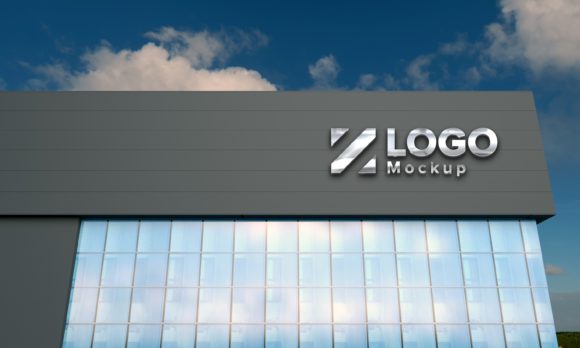
When pitching a rebranding project, the stakes are high. You are asking a client to invest time and money into a new identity. A stunning mockup serves as proof of concept. It demonstrates that you have thought about implementation, not just aesthetics. For instance, showing a metallic logo mounted on a concrete wall might appeal to an industrial manufacturing company, while the same logo on a glass facade might suit a tech startup. The ability to swap backgrounds quickly allows you to tailor the presentation to the client’s specific industry vibe.
Social Media and Portfolio Showcasing
Visual content drives engagement on platforms like Instagram, LinkedIn, and Behance. Flat logos often get lost in the scroll feed, but a 3D rendering with depth and shadow stands out. It stops the thumb from scrolling. Furthermore, including these mockups in your portfolio signals to potential employers or clients that you possess advanced skills in presentation and visualization, setting you apart from designers who only offer flat deliverables.
Internal Stakeholder Alignment
Even within large organizations, getting buy-in from non-design stakeholders can be challenging. Executives may struggle to interpret abstract design concepts. A realistic mockup translates design jargon into visual language. When a CEO sees their logo looking like a premium sign outside their headquarters, the emotional connection to the brand strengthens, facilitating faster approval processes.
Technical Specifications and Usability
For those ready to integrate this asset into their workflow, understanding the resolution and dimensions is crucial. The standard resolution provided for these high-quality mockups is 2000x1350px. This aspect ratio (approximately 3:2) is ideal for web display, social media headers, and standard presentation slides. It provides sufficient pixel density to ensure sharpness on high-resolution Retina displays and monitors without being so large that it causes loading issues.
While 2000 pixels wide is excellent for digital use, it is worth noting that if you intend to print this mockup for a physical billboard or large-format poster, you may need to upscale the image using AI-powered enhancement tools or purchase a higher-resolution variant. However, for 95% of digital marketing needs, this resolution strikes the perfect balance between quality and performance.
Common Misunderstandings About Mockups
It is important to clarify what a mockup is not. A mockup is not a photograph of a real object. It is a digital simulation. Some clients may ask, "Did you take a photo of this?" The answer is no. The realism comes from advanced rendering techniques, lighting maps, and texture overlays within software like Adobe Photoshop. Being transparent about this distinction manages expectations. You are providing a highly accurate prediction of how the logo will look, not a guarantee of the physical installation process, which involves factors like mounting hardware and ambient lighting conditions that cannot be fully simulated digitally.
The Difference Between Mockups and Wireframes
Beginners often confuse wireframes with mockups. A wireframe is a low-fidelity blueprint focusing on layout and structure. A mockup is a high-fidelity representation focusing on style and material. A 3D metallic signage mockup falls squarely into the high-fidelity category. It is used late in the design process, after the core logo design has been finalized, to showcase the finished product.
Building a Broader Understanding of Design Assets
Investing in high-quality mockups is part of a broader strategy of professional development. Just as a carpenter needs good tools, a designer needs high-quality templates and resources. Using pre-made, expertly crafted mockups allows you to focus your creative energy on the logo itself—the typography, the iconography, the color theory—rather than spending days trying to create realistic shadows and reflections from scratch.
This approach aligns with the principles of efficient workflow management. By outsourcing the technical heavy lifting of rendering to a smart PSD file, you accelerate your turnaround time. This speed allows you to take on more projects, iterate faster based on client feedback, and ultimately deliver greater value to your customers.
Conclusion
In conclusion, the 3D Metallic Logo Mockup Signage on Wall is more than just a pretty picture. It is a strategic communication tool that enhances clarity, builds trust, and elevates the perceived value of your design work. By leveraging layered PSD files, smart objects, and photorealistic textures, you can transform a simple logo into a compelling brand experience. Whether you are a seasoned agency director or a freelance designer starting out, incorporating these realistic presentations into your workflow is a step toward professional excellence. Embrace the power of realism, and let your designs speak with the weight and presence they deserve.
Explore our collection of premium design mockups to start enhancing your brand presentations today.